Valid driver's license
Your document is created from the valid original license you already hold. The upload screen may ask for both sides so the license details are readable.

Complete your application online using your valid driver's license, a clear personal photo or selfie and your signature. After successful review and approval, your digital document is delivered by email in approximately 5 minutes.
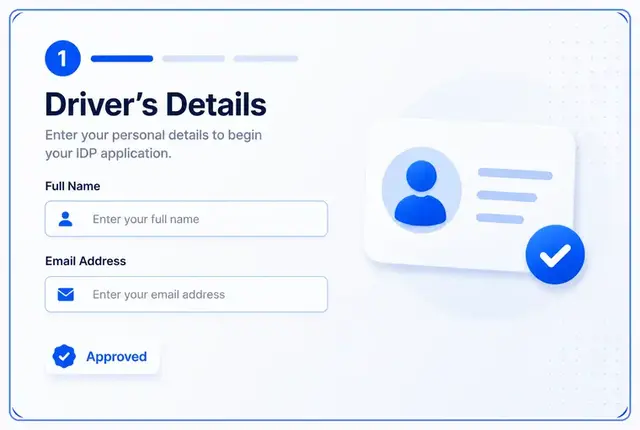
Choose your digital or printed option, enter your driver and license details, upload your valid driver's license, add a clear selfie or personal photo, provide your signature and submit the order for review. WorldIDP is a private multilingual driving-document translation service; your original valid driver's license must still be carried when you drive abroad.
The customer application stays simple. These are the standard items WorldIDP uses to prepare the document from your valid original driver's license.
Your document is created from the valid original license you already hold. The upload screen may ask for both sides so the license details are readable.
Use a front-facing photo with good light and a clean background. You do not need to upload a passport unless another travel provider asks for it separately.
Add your signature in the upload step. It is used as part of the prepared driving-document translation.
This mirrors the real WorldIDP ordering sequence without adding extra customer requirements.
Select digital, printed, or a combined option from the real pricing page.
Add the driver information and license details requested during checkout.
Provide clear license images so WorldIDP can read and translate the details accurately.
Use a front-facing photo that clearly shows the applicant.
Draw or type your signature in the upload flow before continuing.
Review your selected format, delivery details where needed, and complete payment.
The submitted license, photo and signature are reviewed before approval.
After successful review and approval, the digital document is delivered by email in approximately 5 minutes.
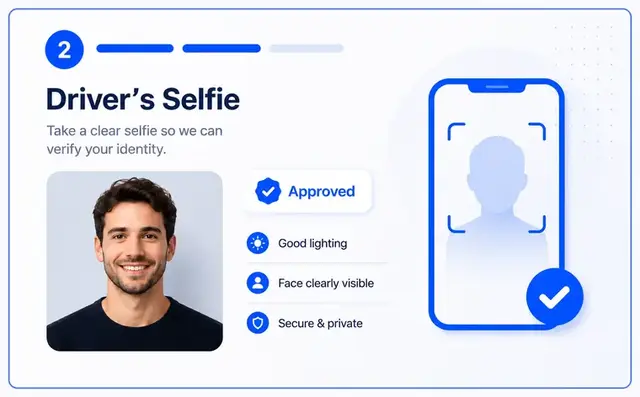
The upload step checks whether each required item has been added before the customer continues. Review is there to catch unclear materials before the document is approved.
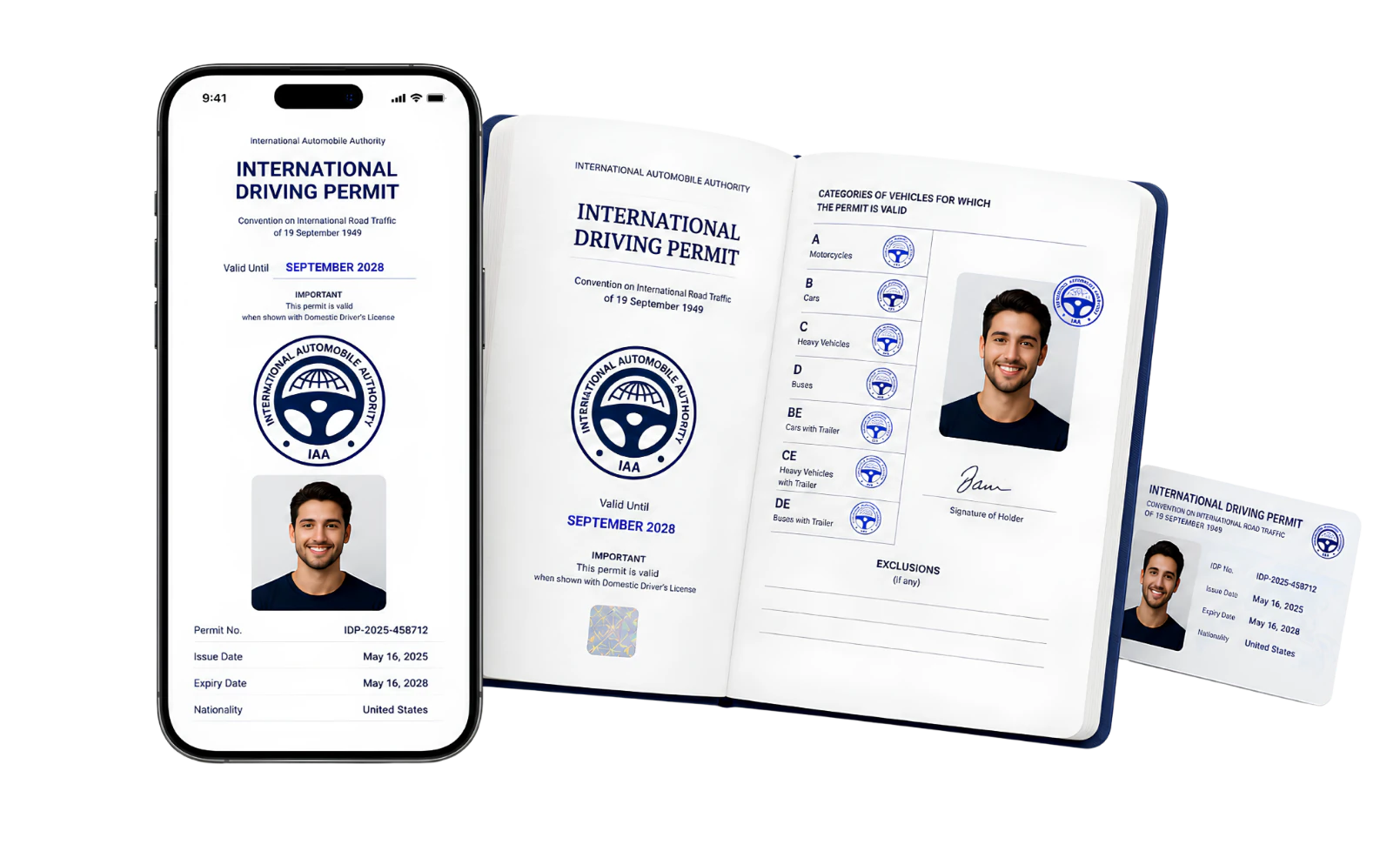
Digital is the fastest option. Printed orders add a physical document for travelers who want paper in hand or expect a third party to prefer it.
Most delays come from images that are hard to read. These checks keep the application moving.
Retake the photo if any license text, number or expiry date is unreadable.
Keep the whole license inside the image so all details can be checked.
Use a clear front-facing photo with enough light and a simple background.
Make sure the signature step shows complete before you continue to payment.
WorldIDP should feel simple, but the role of the document should still be clear.
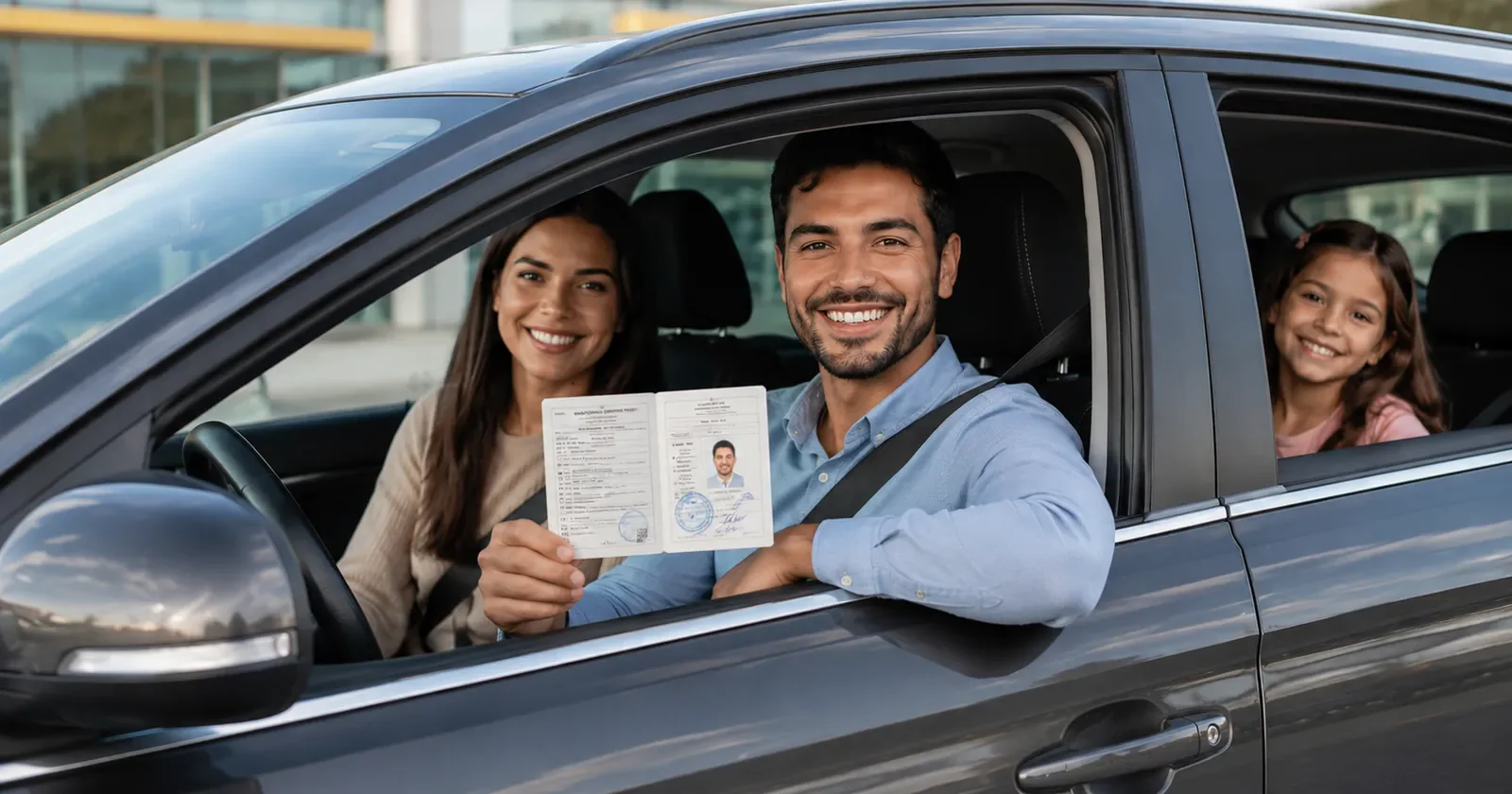
The application only needs your license, photo and signature, but the documents you carry on the road can depend on your destination and travel provider.
WorldIDP prepares a private multilingual driving-document translation for international travelers. Destination rules and third-party requirements may vary, so check official local guidance before driving.
Understand the difference between a translation support document and your original driving license.
Review destination information, shipping details and refund terms before you order.
Short answers for the questions customers usually ask before they begin.
Choose the format you want, then apply online with your valid driver's license, clear personal photo and signature.
Need help before ordering? Contact WorldIDP support.
Related
Apply only once you know what your destination expects. These country pages state the requirement, name the sources and record the date we checked them.